Branding & Appearance
Last updated September 21, 2026
Your agency setup answers two client questions before they ever call you: Who am I working with? and Does this look like the same business I contacted? JourneyFuse uses your agency information and branding across emails, invoices, portals, forms, and other client documents.
Open Agency & Branding
Open Settings, then the agency entry in the sidebar. What that entry is called, and what you get when you open it, depends on your account:
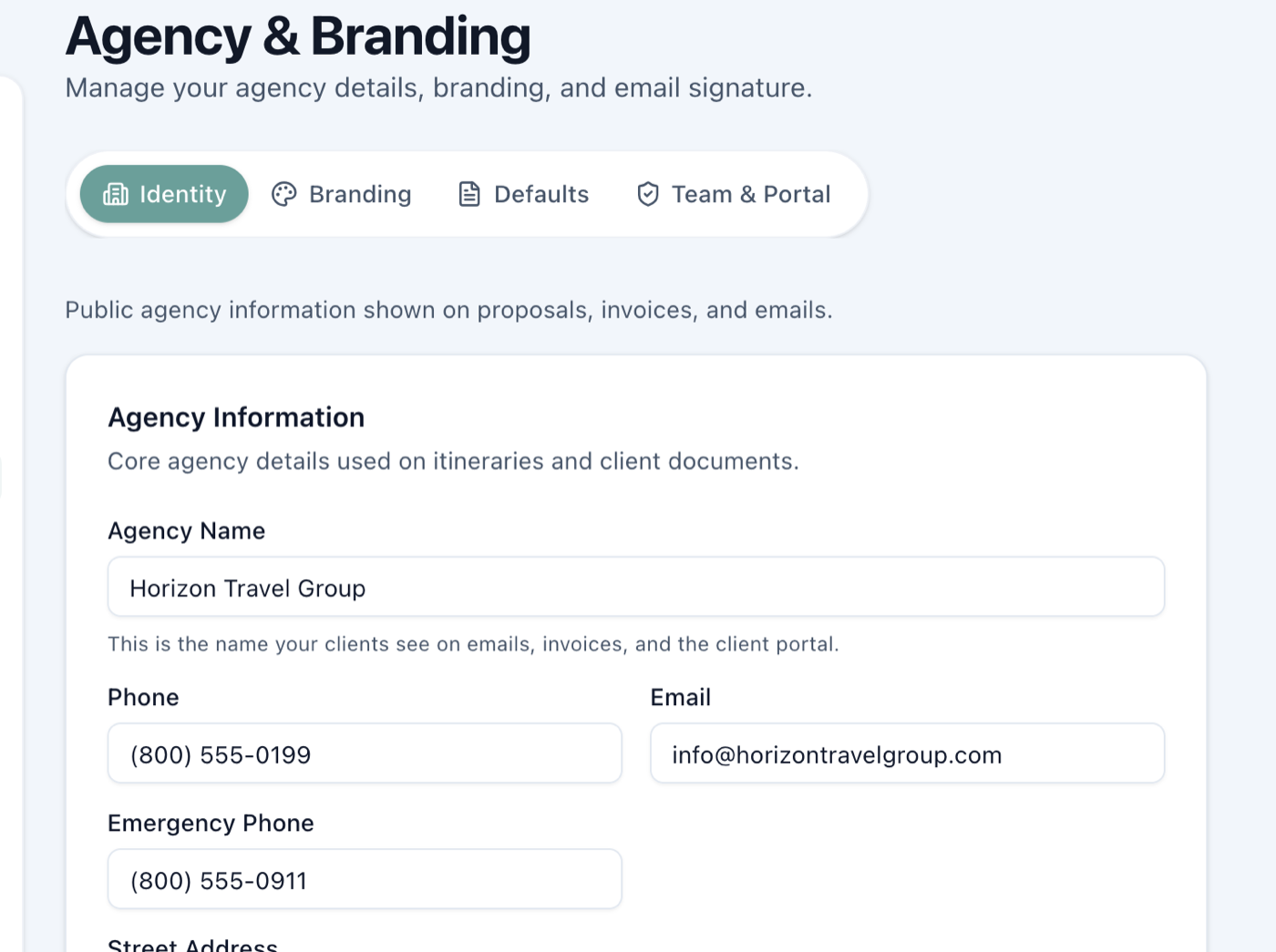
- Owner or admin on a team or agency plan — Agency & Branding, with four tabs: Identity, Branding, Defaults, and Team & Portal.
- Solo advisor — My Business, the same core business information on one page with no tabs.
- Advisor inside someone else's agency — Agency Info, where you can view these details without changing them. The agency decides whether individual advisor branding is allowed.
If you hold a seat in your own workspace and in an agency's, you have both. Switch between them with the agency name at the top left of the app, and check which one you are in before hunting for a setting.
Changes save automatically. After an edit, watch for Saving… and then Saved near the page title before leaving.
Complete your Identity first
Identity holds the agency details that make client documents useful: agency name, phone, email, emergency phone, address, website and social links, industry credentials, and seller-of-travel registrations.
For example, a family traveling through Europe should be able to find the agency's emergency number on their itinerary without searching through an old email. Enter the information exactly as you want a traveler to see it.
Add the visual brand
Open Branding after the identity is complete.
| Setting | What it controls |
|---|---|
| Main Logo | The full agency mark used on portals and client documents. In a proposal header, the assigned advisor's photo appears first; the logo is the fallback when no advisor photo is available. |
| Square / Icon Logo | An optional compact version for app headers and smaller spaces. JourneyFuse falls back to the main logo when this is blank. |
| Dark Mode Logo | An optional light version for dark screens. Without one, JourneyFuse gives a dark logo a light background so it remains readable. |
| Tagline | A short phrase that describes the agency in the client's language. |
| Accent Color | The highlight color used across branded pages and email elements. Choose a preset or enter the agency's six-digit hex color. Press Enter or leave the hex field to save; incomplete or invalid values stay unsaved and show a correction message. |
| Form Typeface | The lettering used by public forms that inherit the agency choice. A form with its own selected typeface keeps that choice. No default lets new forms start on Inter. |
| Proposal Background Color | The page color behind client proposals. Leave it blank to use JourneyFuse's light-gray default. |
| Proposal Advisor Title | The caption above the advisor's name on proposals, such as “Your travel advisor.” |
| Default Proposal Cover Photo | A fallback image for proposals without their own cover. Upload a photo or use a direct image address; a file-sharing page URL is not an image. |
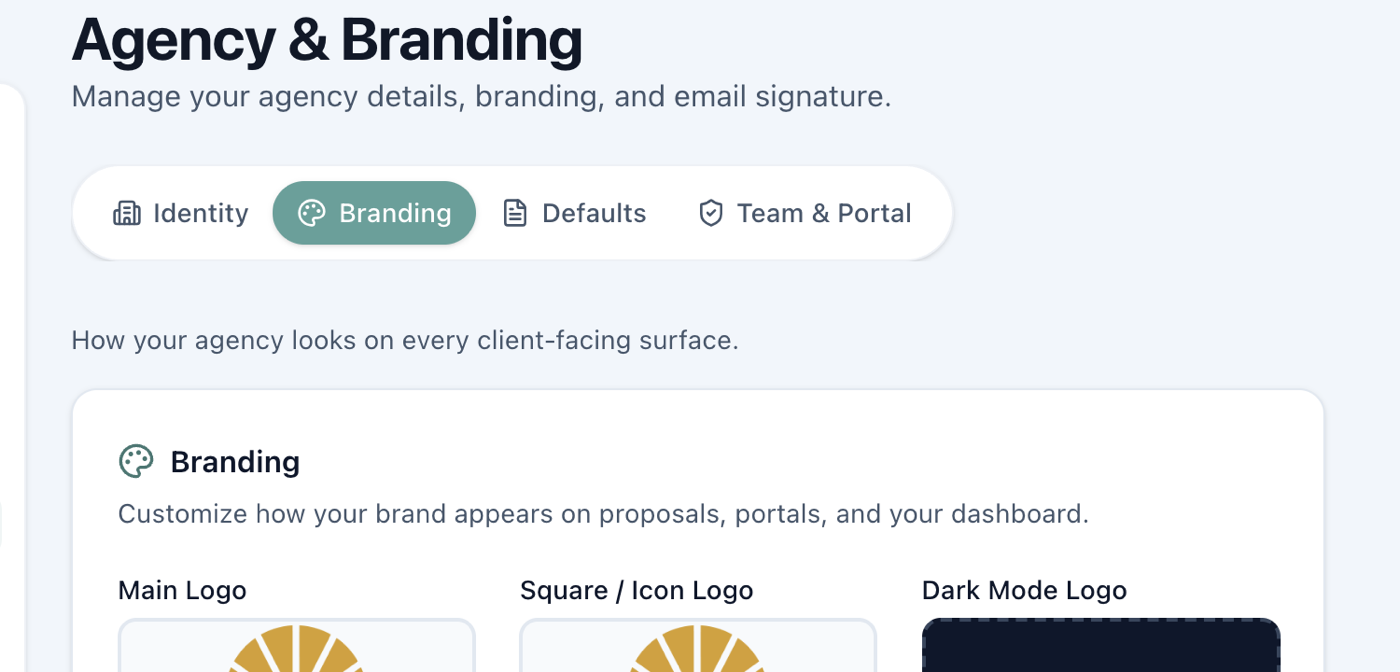
Use a transparent PNG or SVG when possible, about 1000 pixels wide. Logos are shown at a fixed height, so empty space around the artwork makes the logo look small. JourneyFuse trims a transparent or plain white border automatically when you upload, and never trims a colored background, since that is part of the design. After uploading, check the logo at the size clients will actually see—not only in the large upload tile.
Understand what a proposal shows
A proposal combines the agency and the advisor instead of choosing only one:
- Agency name, contact details, page colors, and other shared branding come from the workspace.
- When a trip has an assigned advisor with a photo, the proposal uses that person in the advisor position.
- If there is no advisor photo, the agency logo fills the proposal-header image position.
That keeps a multi-advisor agency recognizable while still showing the client who is personally handling the trip.
Set the agency-wide email signature
The Agency-Wide Default Signature is the fallback for advisors who have not created their own signature. Personal tokens—such as the sending advisor's name, email, and phone—fill in when the message is sent, so one agency template can support the whole team.
Choose the elements to include, review the preview, and use Send test to me before using it with clients. The test button sends an email, so use it only when you are ready to receive one.
Individual advisor branding
Under Settings → Agency & Branding → Team & Portal, owners and admins can turn on Allow agents to use their own branding. The tab is theirs alone, so an advisor inside the agency will not see it. When enabled, each advisor can add a business name, logo, and accent color in their own Profile settings. Their branding appears only on their own dashboard and the pages they send their clients; it does not replace the shared agency brand for everyone else.
Leave this off when every advisor should present one agency identity. Turn it on when independent contractors or hosted advisors are expected to lead with their own businesses.
A quick final check
Before the agency sends its first proposal or invoice:
- Confirm the agency name, client email, phone, and emergency phone.
- Open Branding and check the main logo, square logo, tagline, and accent color.
- Preview the agency-wide signature.
- Open one finished proposal or invoice and look at it from the client's side.
- Wait for Saved before leaving the page.
Related
- Workspace & Agency Settings — full workspace configuration overview
- Agent Profiles — manage personal profile and contact info
- Creating Proposals — build branded proposals for clients
Related Articles
Creating and Sending Proposals
Present trip options to your clients with a polished, branded proposal they can view and accept from any device.
Client Portal
Give your clients a branded portal where they can view itineraries, track payments, and stay connected throughout their trip.
Custom Domains
Brand your portal, proposal and itinerary URLs with your own domain, set the link preview and favicon, and control whether the site is indexed by Google.