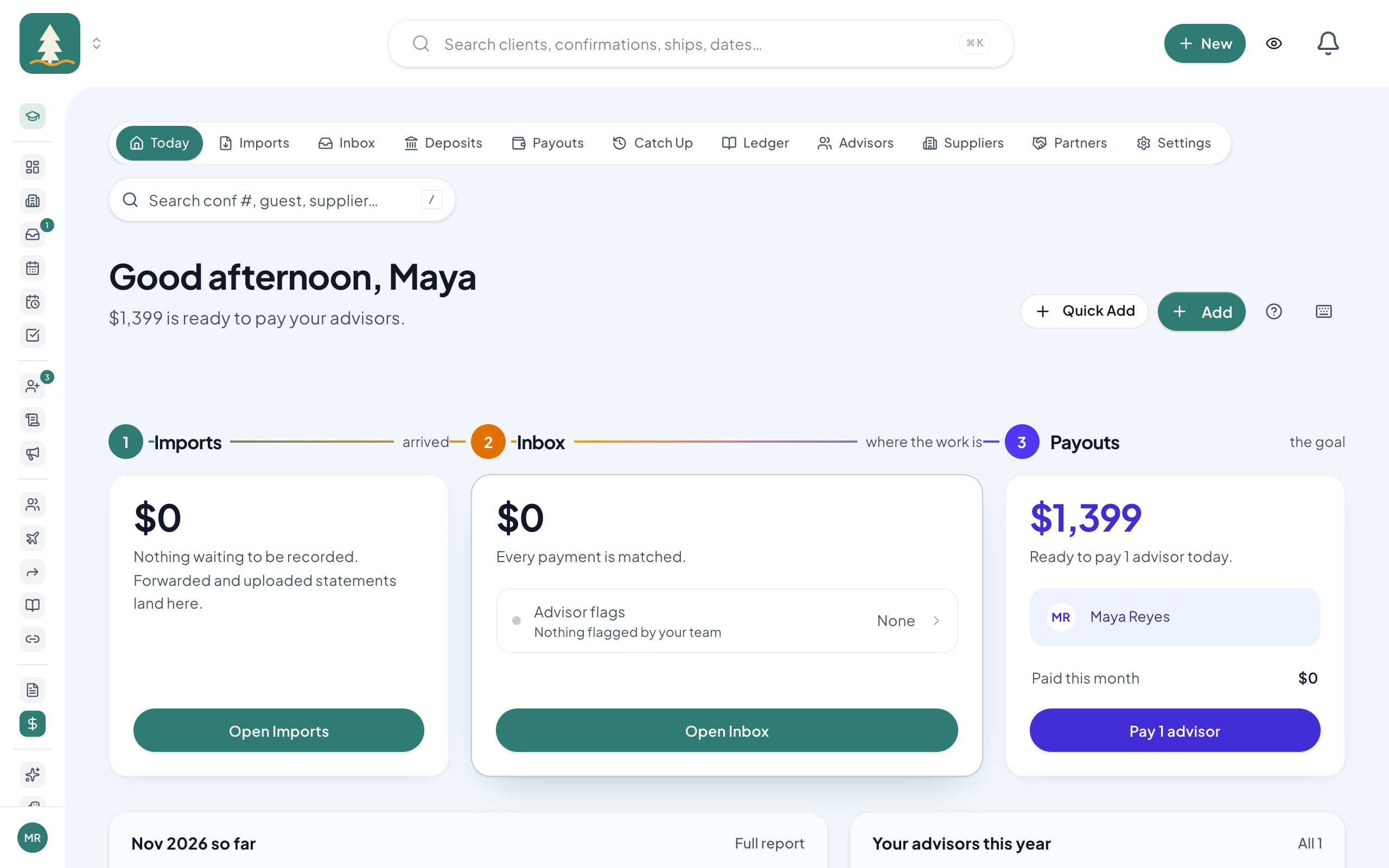
Most small agencies track commission in a spreadsheet. A supplier deposit lands, someone matches it to bookings by hand, works out each advisor's share, and builds a payroll list at the end of the month. It works until a supplier pays late, pays short, or pays for three bookings at once.
Simple mode is the commission view built for owners who run payroll themselves and don't need advisor submissions or variance review. It answers three questions on one page.
Should be in your bank
The page opens on one number: Should be in your bank. It adds up what has arrived for trips that have started, what has arrived for trips you are still holding, and payments not yet on a booking, minus deductions.
It is the money you should see in your account. JourneyFuse can't see your bank, so treat it as the number to check against your statement.
Pay now, holding, still coming
Below it, the money splits three ways:
- Pay now: commission that has arrived on trips that have started. This is what you can pay advisors today.
- Holding for future trips: money that has arrived for trips your Hold payouts until setting hasn't released yet, with the date it releases.
- Still coming from suppliers: bookings that traveled in the last year with nothing received. It is never counted as money in the bank.
On the way shows booked commission for trips that haven't traveled yet, as a bar per travel month, so you can see the months ahead.
Recording what arrives
When a supplier pays, Enter a payment: the supplier, the amount, the date, then the bookings it covers by booking number or client last name. You can paste a list. A negative amount records a recall.
Or Upload a statement: a PDF, a screenshot, a spreadsheet or a photo from your phone. Lines it is sure of are placed on their bookings for you.
Paying advisors
Pay all, then Download list gives you a spreadsheet of each advisor, their amount and the bookings behind it, ready to take to ADP, Gusto or your bank. Once you've paid, set Paid by to Payroll and mark it paid. JourneyFuse records the payout; it doesn't move the money.
Email each agent a statement sends every advisor the bookings behind their amount, so nobody has to ask.
Chasing late suppliers and year-end
Copy chase list gives you the suppliers that haven't paid, and Mark chased keeps track of who you've asked. At year end, Totals by agent shows what each person was paid this year or last, the numbers you need for their 1099s. Check them against your own books.
Turn it on
Simple mode is off by default. Turn it on in Settings → Commissions → Payouts & Tax. Bookings need a travel date and an advisor before their commission can be held or paid.